Your music website is not a fan page. It’s not for selling t-shirts or showing old tour photos. If you’re serious about sync licensing, your site needs to work like a business tool. It should help one very busy person: the sync agent or music supervisor. These people are not surfing your site for fun. They’re on deadlines. They are looking for a track that fits a very specific need—and they need it fast.
If they can’t find it quickly, they’ll move on. That’s why your site has to make everything easy. From the way music plays to the way files are labeled, every small detail matters.
Know How Sync Agents Work
You can’t build a useful site without knowing what the user wants. Sync agents don’t have time to enjoy your whole song. They listen in pieces. Skip around. They are listening for “edit points” or key musical moments that help them cut scenes better.
So your site has to be quick. It also needs to give them what they want without extra steps. This means showing your best music early and keeping everything just a few clicks away.
Looks Don’t Matter if It’s Slow
Sure, a clean and modern design is good. But it doesn’t help if the player is hidden behind menus. If an agent has to wait for a page to load or search too long, they’ll leave. A common rule in sync is the “3-click rule.” That means the user should be able to hear your top songs in three clicks or less.
So avoid landing pages that ask them to “enter site” or sites with slow image loading. You need speed over style. A plain site that loads fast will win over a pretty site that doesn’t work well.
Why “100% One-Stop” Is a Magic Phrase
One of the most helpful things you can write on your site is “100% One-Stop.” This tells agents that you own both the master and the publishing rights. That means they can use your track without chasing down five people for approvals.
Agents want music that’s easy to clear. If your music is great but hard to license, you won’t get picked. Being one-stop is not just helpful—it can be the reason you get the job.
Make Your Music Page Work Like a Tool
Your sync portfolio should feel more like a search engine than a blog or gallery. Think about how a buyer looks for music. They search by feeling, not just by style. Instead of folders for Rock, Pop, and Jazz, create playlists like:
- High Energy – Great for Sports or Ads
- Dark and Moody – For Crime or Thriller Shows
- Fun and Quirky – Good for Dramedies or Tech Promos
This helps the agent find what fits the scene faster. It also shows you understand the way they think.
Use the Right Music Player
Not all players are equal. SoundCloud and Spotify might work for fans, but they cause problems in sync work. Agents need players that allow downloads. They also want to see metadata like tempo, genre, and lyrics without opening extra windows.
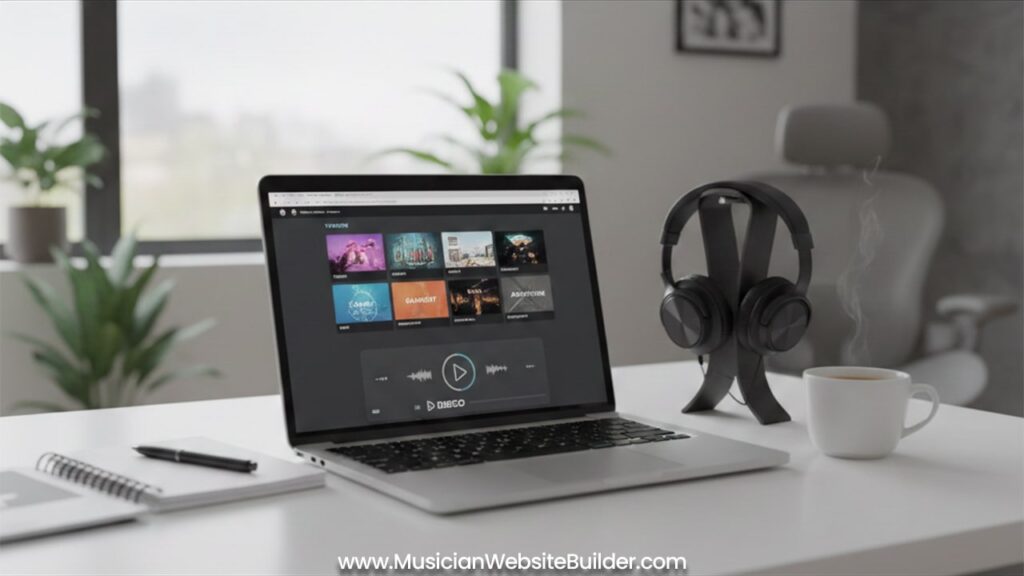
This is why tools like DISCO.ac or ReelCrafter are better. They let you:
- Show playlists by mood or energy
- Offer one-click downloads
- Display lyrics and info in the same view
- Track who listened and when
These tools look more professional and save the agent time. That alone puts you ahead of many other composers.
Your Bio Should Be About Trust, Not Dreams
Most “About” pages talk about childhood love for music or early influences. That’s fine for fans, but not for agents. They need to know one thing: can they trust you to deliver on time?
So write about your professional side. Include:
- Past sync placements or known projects
- How fast you can turn in edits (24 hours? Same day?)
- Your PRO info (like ASCAP, BMI, SESAC)
- Whether you offer custom work
Keep it short, direct, and focused on your work. You want to sound easy to work with.
Tag and Label Everything the Right Way
Even if your track is amazing, it won’t get used if the file is a mess. Agents save hundreds of songs. If yours is labeled “FinalMix_2Master.wav,” they’ll never find it again. You need to make sure every file has clear names and tags.
Put this info inside the file’s metadata:
- Your name and email
- Song title
- Tempo and mood
- “100% One-Stop” note or who to contact for rights
- Your IPI number (from your PRO)
You can do this using programs like iTunes or tools like MP3Tag. This step makes your music easier to find later. That’s a big deal.
Always Offer Instrumentals and Stems
In many scenes, vocals can get in the way. Dialogue is more important than lyrics. That’s why agents often ask for instrumental versions.
Mention on your site that you offer instrumentals. Also add if you can provide stems (separate files for drums, bass, vocals, etc). Editors love this because it lets them shape the track to fit the mood of the scene better. Just knowing you can do this gives you an edge.
Mistakes That Make Agents Leave
Some things will make agents hit the “back” button right away. Avoid these mistakes:
- Auto-play Music: Never have songs start playing when the page loads. It’s annoying and makes them close the tab.
- Large Files for Previews: WAV files are great for final delivery. But use smaller MP3s for preview. No one wants to wait for a 60MB file to load.
- Broken Links: If you use private DISCO playlists, test them in Incognito mode to make sure they still work.
- Too Many Tabs or Steps: Don’t hide your best tracks. Make it easy to get to your music in under 3 clicks.
Think of Your Site as a 24/7 Pitch
Your sync website is working even when you’re sleeping. If it’s well-organized, clear, and easy to use, it can land you jobs without a single phone call. But if it’s slow, confusing, or unprofessional, you might lose your shot before the agent even hears your track.
So keep everything simple:
- Show playlists by mood
- Use tools like DISCO or ReelCrafter
- Make sure every file is tagged right
- Always offer instrumentals and stems
- Be clear about your rights
This way, your site becomes a real business tool. It helps you get sync deals without making anyone work hard to find your music. And that’s the key—make it easy.