Music is your art. But your website is your business. If you’re a band or solo artist, your website is where fans, promoters, and buyers come first. Social media is useful, but the truth is, those platforms control your audience. You don’t own your followers there. But your website? That’s 100% yours.
Many musicians only have a homepage or a music player. But if your site is missing key pages, you’re losing fans, sales, and even gigs. This simple checklist will help you turn your site into a real tool that grows your music career.
1. Home Page – First Thing People See

This is the first page most visitors will see. It needs to be clean, fast, and easy to understand.
- Pick one main goal. Do you want people to buy tickets, stream your new song, or join your email list? Make that button big and clear.
- Show your latest news or next concert right at the top.
- Add a big photo or short video that shows your style.
- Make sure the menu links to all your important pages.
- Most fans use phones, so your homepage must work great on mobile.
Your homepage should help people go deeper into your site. Don’t try to say everything at once.
2. Music Page – Let People Hear You
This page is for listening. Fans should find your songs, videos, and albums in one place.
Don’t upload big music files directly. It makes the page slow. Instead, use tools like:
- Bandcamp – Fans can stream or buy your music.
- SoundCloud – Great for previews and playlists.
- YouTube or Vimeo – Good for music videos or live clips.
These platforms save space and make the page load faster.
3. Store Page – Sell Your Merch
Selling merch is a great way to earn money from your fans. Your store page should be simple and clear.
Here’s what to include:
- High-quality photos of each item
- Info about sizes, materials, and shipping
- A clear return policy
- Safe payment options like PayPal or a credit card
- A few reviews from fans, if you have them
Tip: Offer bundles like a T-shirt + CD + sticker for a better deal. This helps fans buy more in one go.
4. Tour Page – Share Upcoming Gigs
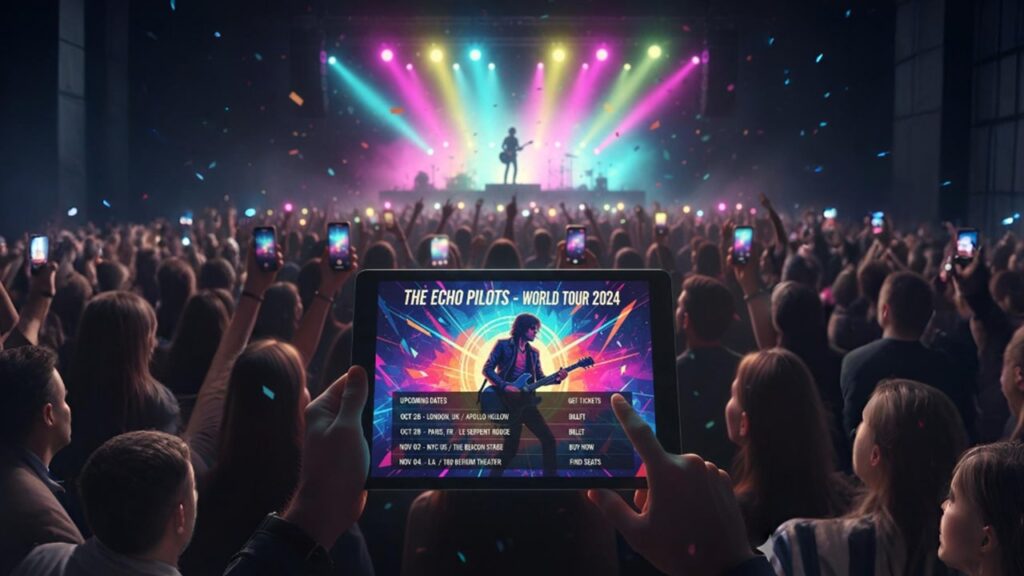
If you do live shows, you need a page for tour dates. People want to know where and when they can see you.
To save time, use tools like:
- Bandsintown
- Songkick
These tools auto-update your gigs on your site.
Always add:
- City and venue name
- Date and time
- A link to buy tickets
- A map or directions, if possible
Fans should be able to buy tickets in just a few clicks.
5. About Page – Tell Your Story
This is where you share your background. Talk about how you started, what kind of music you make, and what matters most to you as an artist.
Write in the third person (like: “DJ Luna is a pop artist from Chicago…”). That makes it easier for the press or blogs to use your bio.
Add:
- Big shows or awards
- Press mentions or quotes
- A fun fact that helps fans connect with you
This page helps people trust you and feel part of your story.
6. Gallery Page – Show Your Look
Some visitors need photos quickly. Maybe a blog wants to write about you. Maybe a promoter wants a poster photo.
Add:
- 3 or more high-quality pictures (landscape, portrait, square)
- Your album or single artwork
- A download button for press photos
- File info like size and format (300dpi for print)
Also, add photo credits if someone else took them.
7. Contact Page – Make It Easy to Reach You
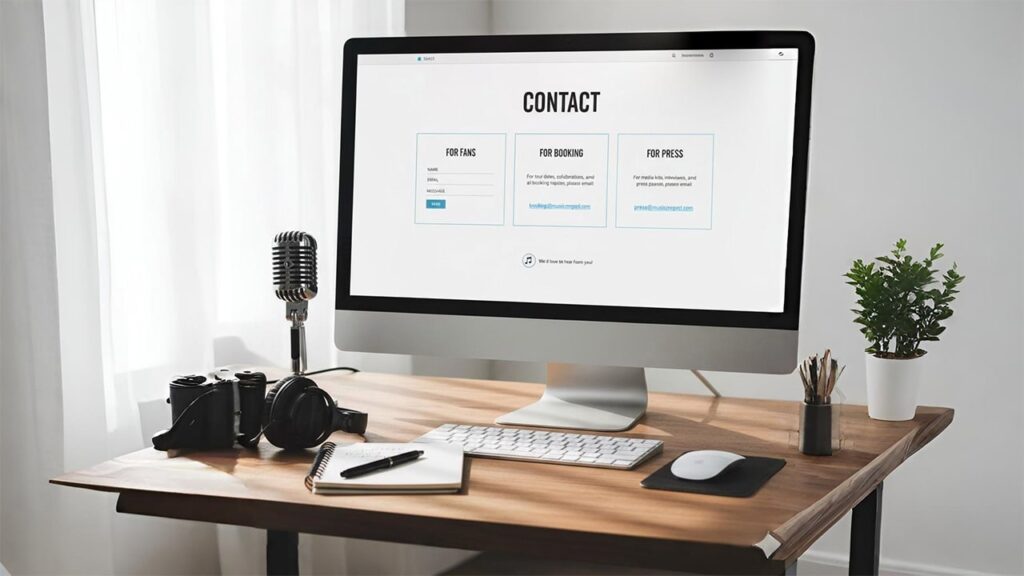
This page should be super clear. Divide your contacts into groups:
- Fans: Use a simple form they can fill out
- Booking: Add an email or contact form
- Press: Include your EPK (Electronic Press Kit) or link to it
Your EPK should have:
- A short 3-line bio
- 3-5 quick bullet points about you
- A download link for press photos
Make sure no one needs a password to open it.
8. Email Sign-Up Page – Build Your List
This might be the most important page on your whole site. Social media changes all the time, but an email list is yours forever.
Use this page to collect emails. Offer something in return, like:
- A free download
- A discount on merch
- Early access to tickets
This is called a lead magnet. It helps turn visitors into fans.
9. Social Media Links Page – Connect All Your Platforms
You probably use TikTok, Instagram, YouTube, or other platforms. Don’t just add icons in the footer.
Make one page that shows all your social media. This helps fans follow you everywhere.
Also, try to bring fans from social media back to your website. That helps your SEO and gives you more control.
10. Legal Pages – Keep It Safe
These pages are not fun, but they are needed if you:
- Sell merch
- Collect emails
- Use tracking tools (like Google Analytics)
You need:
- A Privacy Policy – explains how you collect and use data
- Terms of Service – tells people the rules when using your site
There are free tools online to help you write these pages, or you can use templates.
Build Your Website Like a Pro
The music world is hard. There’s a lot of noise out there. But when you have a strong website, you stay in control.
By using this checklist, you give your fans a better experience. You also help yourself get more gigs, sell more merch, and grow your music career.
Don’t just treat your site like a digital business card. Treat it like a real tool. Make it work for you.
Do you already have a Musician website? If yes, what’s the biggest problem you’re facing with it right now?