I. What Is an EPK and Why You Need One

There are many artists, businesses, and creators today. Everyone is trying to get noticed. If you want people like reporters, event organizers, or investors to take you seriously, you need to give them the right information fast. That’s where an EPK helps.
Your musician website is for fans or buyers. But your EPK is for people in the industry. It’s like a business card, but online and more detailed.
So, What Exactly Is an EPK?
An EPK is a digital file or web page with all your most important info. This makes it easy for someone to understand who you are and what you do in just 30 seconds. It’s made for people who don’t have time to search through your whole website.
Artists send EPKs to booking agents, venues, music blogs, and record labels.
Businesses send EPKs to reporters, podcast hosts, event managers, and investors.
Best Way to Share an EPK
It’s true that people don’t like downloading big files. They take time. Sometimes, email systems block them. That’s why it’s better to make a single-page EPK web link.
- You can add videos or music.
- You can update it any time.
- It works on phones and computers.
Still, some people will need high-quality files. So, also make a downloadable ZIP file with things like high-res photos, logos, and press releases. Upload it to Google Drive or Dropbox and put the link on your EPK page.
II. What Your EPK Must Have (The 6 Key Parts)
A good EPK has six important parts. These parts show your work, your skills, and your results.
A. Short and Clear Bio (In Third Person)
Your bio tells your story. Write it in third person. That means use your name or “he/she” — not “I” or “me.”
You need three versions:
- Short bio: One or two strong sentences. This is for quick reads.
- Example: “Lily Tran is an R&B singer from LA. Her first album got 5 million Spotify plays.”
- Medium bio: A paragraph or two with your main milestones and current project.
- Long bio: A few more paragraphs with your history, struggles, and goals.
Keep it honest and simple. Don’t use big words.
B. Great Photos and Visuals
Photos help people picture who you are. Use only professional-quality images.
- 3 to 5 promo photos — Use different styles (portrait, square, and wide).
- Give 300 DPI versions for print and 72 DPI for websites.
- Include a photo credit file (example: “Photo by John Smith”).
- Add your logo in PNG format. One version should have a clear background.
C. Your Best Music or Product Demos
People want to hear or see your work right away.
- Put your best song or product video first. You can use Spotify, SoundCloud, YouTube, or Vimeo.
- Don’t autoplay. Let people press play when ready.
- A good live video is great too. It shows your real skills and audience reactions.
D. Press Quotes and Proof
People trust outside opinions. Show what others have said about you.
- Choose 3 to 5 short quotes from music blogs, news sites, or customers.
- Add links to the full article or feature.
- Also list any awards, big events, partnerships, or other major wins.
E. Easy-to-Find Contact Info
Don’t make people search for your contact. Put it clearly.
- One email for press/media questions.
- Another contact for booking or sales.
- A third email or contact form link for fans or general messages.
Each should have a clear label so people know where to write.
F. Your Key Numbers
You need to show real data. That means facts, not just feelings.
Artists should list:
- Spotify monthly listeners
- YouTube video views
- Real fan interaction (likes, comments, shares)
- Number of people at shows
Businesses should list:
- Total users or customers
- Revenue growth or sales increase
- Retention rate (how many stay over time)
- Big partners or projects
Use bullet points so people can scan quickly.
III. How to Look Even More Professional
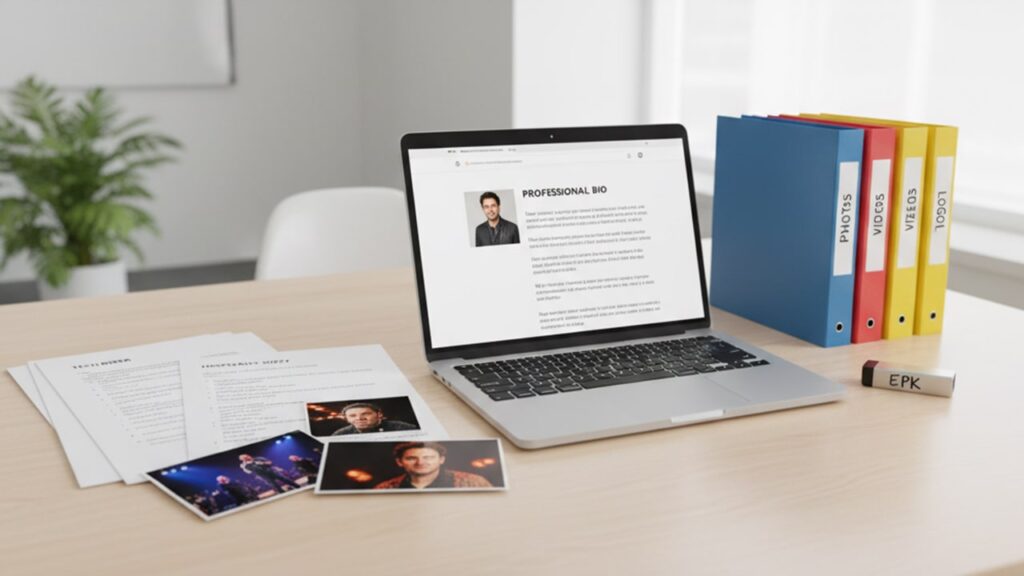
If you want to look even more ready for serious work, add some extra things.
A. For Performers
- Tech Rider: This is a document that tells the venue what you need on stage (mics, speakers, power, space, etc.).
- Hospitality Info: A short list of your team, hotel needs, food allergies, and travel needs.
B. For Companies
- Executive Summary: This is a short statement about your company’s goal and what makes it different.
- Team Bios: Add a small bio for each team member, with links to LinkedIn or other features they’re in.
C. A ZIP File for Download
Some people want to download everything.
- Make one clean ZIP file named like:
YourName_EPK_2025.zip. - Inside, have folders like
/Photos,/Videos,/Press, and/Logos. - Include all your high-res files, all versions of your bio, and a press release if you have one.
IV. EPK Design Tips: Make It Easy to Read
Design matters. If your EPK looks messy or confusing, people will stop reading.
A. Keep It Clean
Use a simple layout, clear fonts, and white space. Don’t use loud colors. Don’t crowd your text. Make it easy to skim.
Use bold text, bullet lists, and headings. Keep sentences short.
B. Show Key Info Right Away
People may only look at your EPK for 30 seconds.
Make sure they see:
- Your name or logo
- Your niche or music genre
- One great quote
- A play button for your best track or video
- Your contact email
Put all this at the top of the page (before they scroll).
C. Make It Work on Phones
Many people check emails on their phones. Make sure your EPK page works well on small screens. Buttons should be easy to tap, and text should be readable.
D. Tools You Can Use
You don’t need to be a designer or coder.
- Use Wix, Squarespace, or Bandzoogle to build your EPK web page.
- Use Canva to design a PDF version.
Pick tools that are easy for you to use.
V. Keep It Updated and Send It Smartly
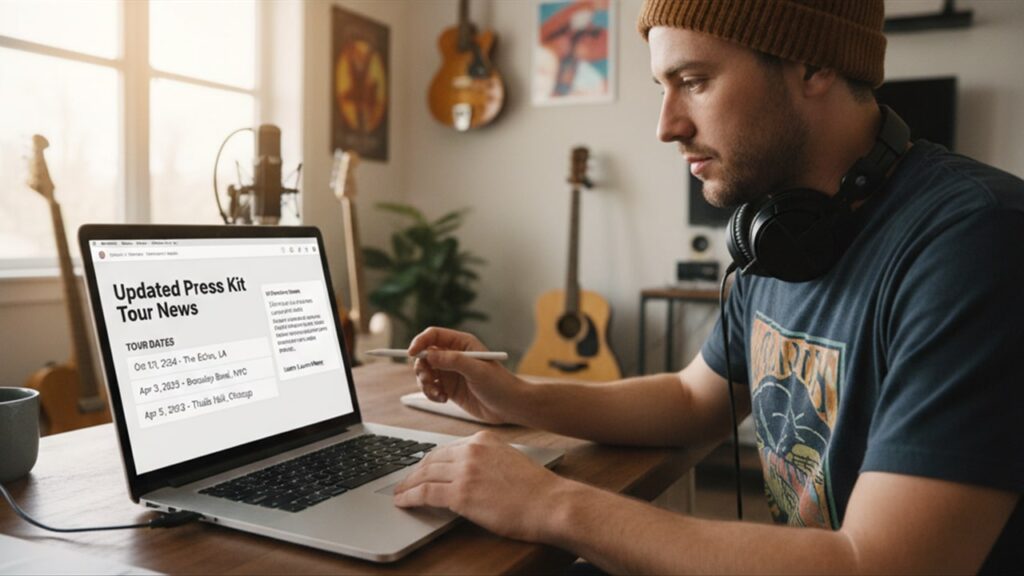
An old EPK can hurt your chances. Keep it fresh and use a smart way to send it.
A. Update Often
Review your EPK every few months. Update things like:
- Tour dates or events
- New songs or products
- New press features
- New photos or numbers
Always show your latest work.
B. How to Send It
- Send the EPK link in personalized emails. Don’t just copy-paste the same message. Mention something about the person you’re emailing.
- Add the link to your email signature, website, and social media bio.
- Don’t attach large files unless someone asks.
VI. Final Thoughts: Your EPK Opens Doors
An EPK is not just another file. It’s your main tool to show what you do and why it matters. It helps people decide quickly if they want to work with you.
Keep your EPK simple, clean, and full of useful info. Update it often. And most of all, make sure it feels like you.
Done right, your EPK can help you get shows, press coverage, investors, and more.